Table of Contents
Support Overview
At Ultimate IPTV Hub, we prioritize your viewing experience. Whether you are setting up a new device, facing buffering issues, or looking to renew your subscription, our team is ready to assist you. To get the fastest resolution, please have your order details and device information ready before reaching out.
Quick tip: Providing your Order ID and the exact App Name you are using will help our agents solve your issue in half the time.
Main Support Categories
Select the category that best matches your issue. Our WhatsApp support line is the fastest way to get connected with a live agent.
1. WhatsApp Support
The fastest way to reach us. Available for sales inquiries, quick troubleshooting, and direct account activations.
2. Technical Help
Experiencing buffering, playlist errors, or missing channels? Let our technical team refresh your connection.
3. Device Setup
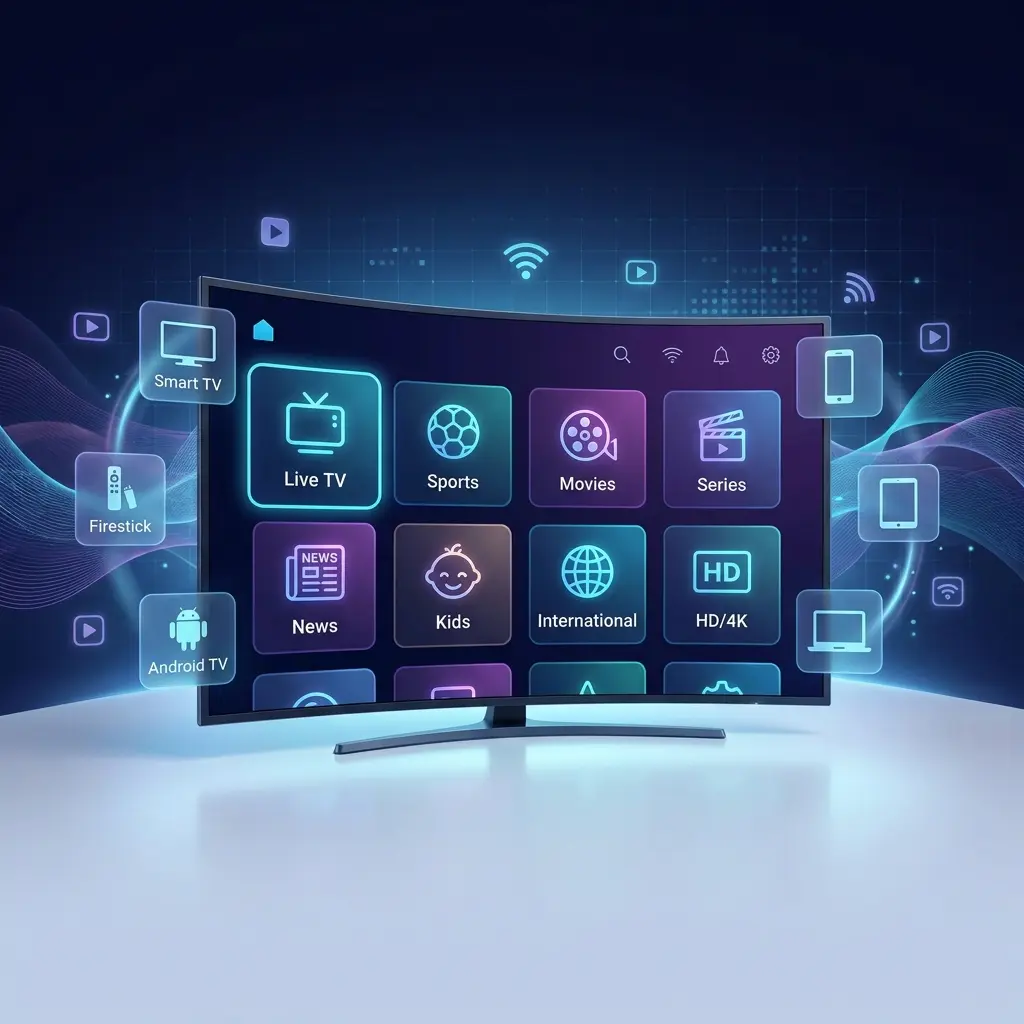
Need help configuring your Firestick, Smart TV, or Android box? We provide step-by-step instructions for all major apps.
4. Billing & Renewals
Questions about payments, upgrading your plan, or renewing an expired subscription. Safe and secure processing.
How to Request Help Efficiently
To ensure we can fix your issue immediately, please format your support request with the necessary details based on your problem type.
| Reason for Contact | What to Provide | Estimated Response Time |
|---|---|---|
| New Sales Inquiry | Country, preferred device, channels needed | Under 10 minutes |
| Technical Support | Order email, device name, app name, photo of error | 10 - 30 minutes |
| Subscription Renewal | Current username or Order email | Under 15 minutes |
| Channel Requests | Specific channel name and region | Reviewed within 24 hours |
Quick Fixes for Common Issues
Before contacting support, you might be able to fix the issue yourself in seconds. Here are the most common troubleshooting steps:
App won't log in? Double-check for typos. Ensure there are no empty spaces before or after your username and password. Pay attention to capital letters.
Experiencing buffering? Restart your internet router and your streaming device. If using Wi-Fi, try moving closer to the router or switching to an Ethernet cable for a stable connection.
Helpful Links & Resources
Looking for tutorials or company policies? Browse our quick links below before opening a ticket.
Frequently Asked Questions
How long does it take to get my account after payment?
Accounts are typically activated and sent via email and WhatsApp within 5 to 30 minutes during our standard working hours.
Can I use my subscription on multiple devices?
Standard plans are for one simultaneous connection. You can install it on multiple devices, but you can only watch on one screen at a time unless you purchase a multi-connection plan.
Do you offer support for MAG boxes?
Yes, we support MAG devices. Please provide your MAC address when contacting support so we can link your portal.
Still Need Assistance?
If you couldn't find the answer in our guides, don't hesitate to reach out. We are committed to keeping your streaming experience smooth and enjoyable.
Chat With an Expert Now
Click the button below to open a direct WhatsApp chat with our support team. We're ready to assist you!
Customer support hours may vary by timezone. We strive to answer all technical and sales inquiries as quickly as possible. For billing safety, never share your credit card details directly in chat.